 Creative Figure Studio
Feature details
Creative Image Generation & Editing
MaiBan Creative Imaging: Generate and refine by conversation—from idea to ready-to-use visuals
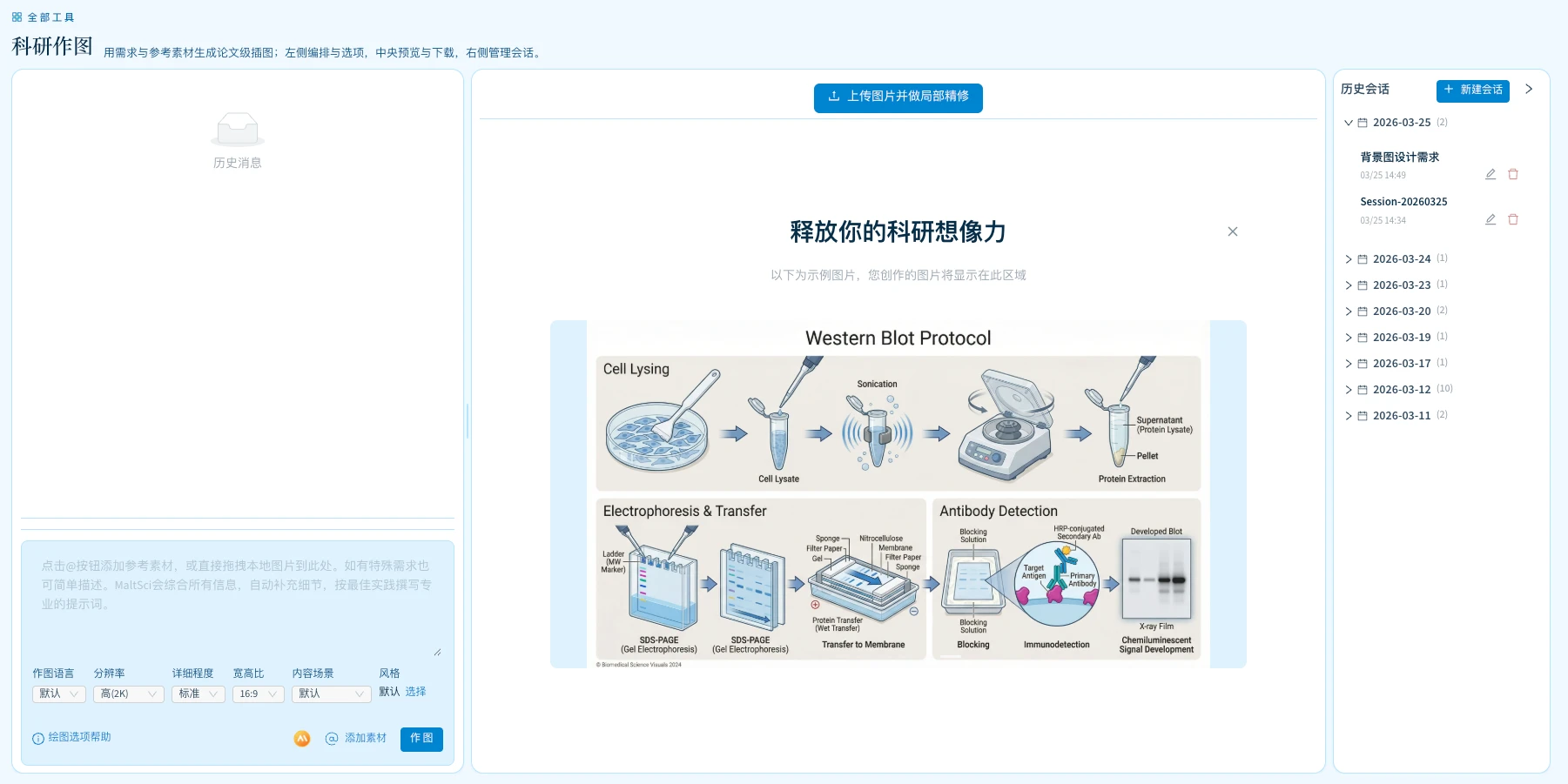
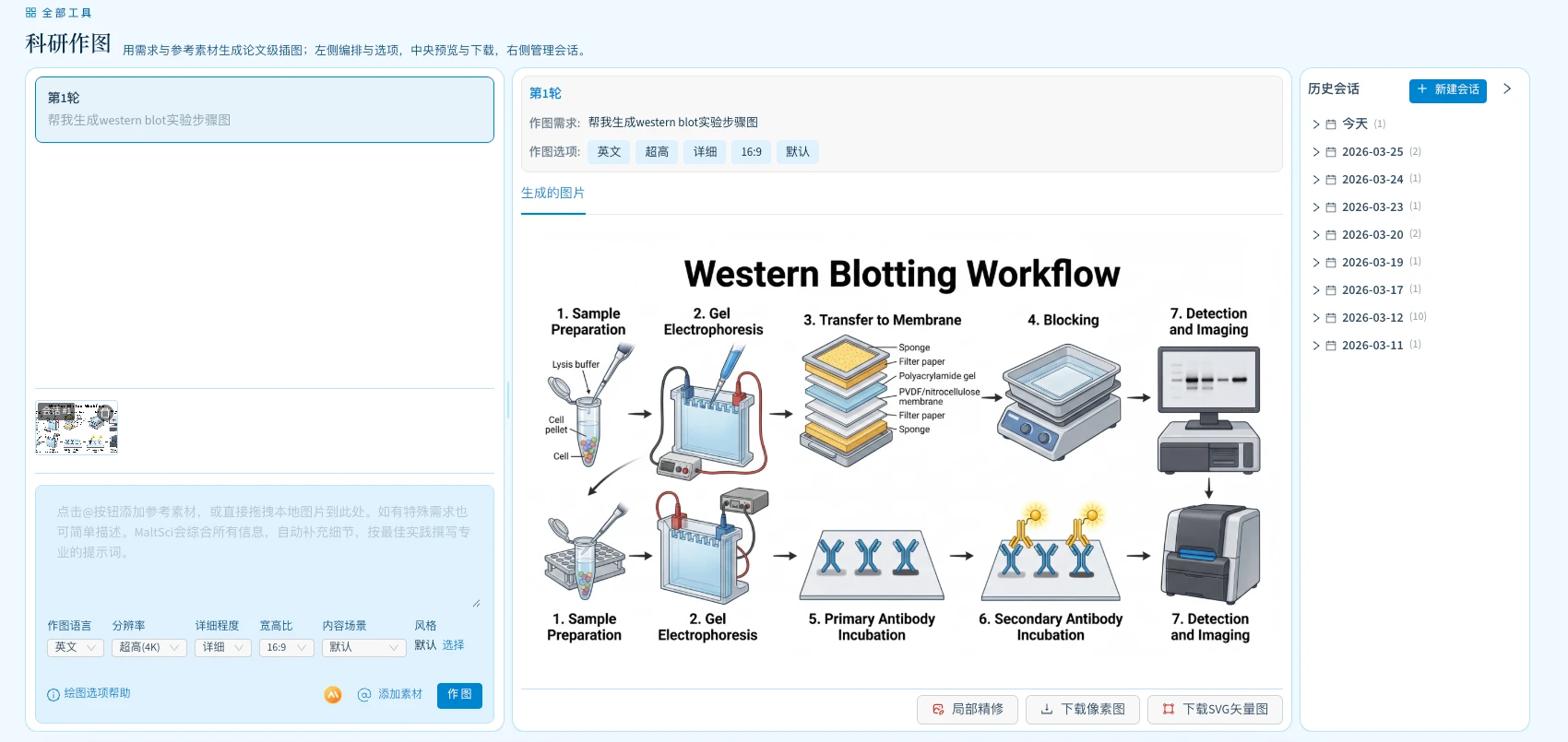
Have an idea but can't write prompts? Materials scattered and hard to organize? Unhappy with results after endless retries? Describe what you need in natural language. Built-in latest image models and prompt optimization, multi-turn dialogue with local refinements, and one-click export to editable vector graphics—for research figures, presentation graphics, marketing assets, and more.
Core Highlights





Why Choose MaiBan?
- Top-tier models, pay as you go: Integrated with the latest domestic and international image generation models—tuned for stability and kept up to date. No hassle with overseas subscriptions; top up and use on demand.
- No prompt expertise required: Built-in professional prompt optimization with industry best practices; preset scene types including mechanism diagrams, comparison charts, and flowcharts—describe your idea and get results.
- Can't find assets for slides, marketing, or papers?: Break free from stock libraries—describe what you need, get multiple variants in one go, and export to vector graphics.
- Drop in your materials: Supports long text, PDF/Word documents, reference images, and online literature library references; intelligently understands and extracts key points—no tedious prep work.
- Multi-turn dialogue, edit exactly where you want: Reference results from any previous turn; whole-image edits or box-select local refinements with multiple regions at once—no more lottery-style retries.
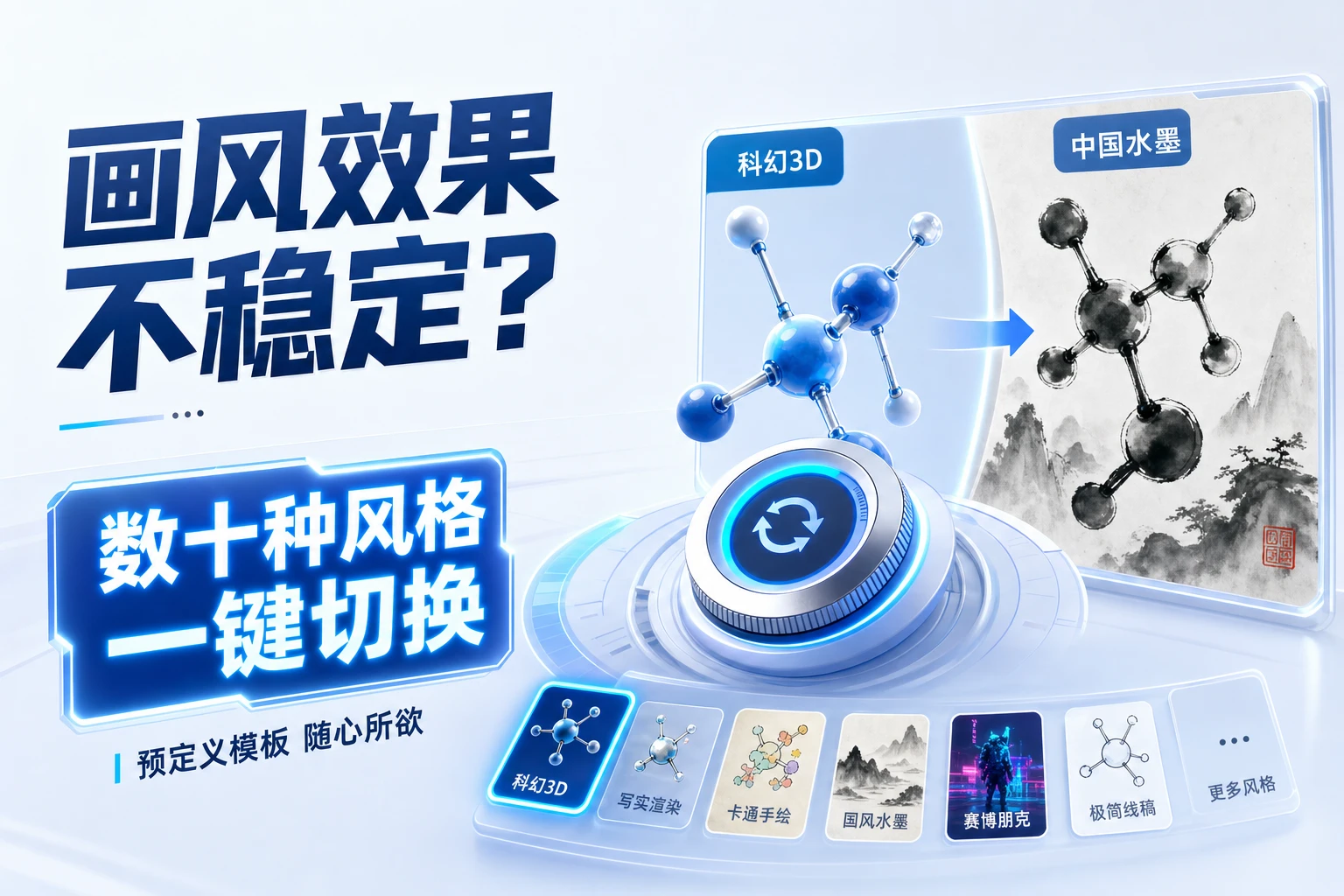
- One-click style switching: Dozens of predefined style templates for stable, controllable output—from academic schematics to distinctive artistic styles, including specialty looks like classic animation aesthetics.
- Raster to editable vector: Built-in Trace algorithm adapts to illustration, photo, asset, minimalist, and other image types—export SVG in one click for further editing in vector tools.
Software Interface Preview